 KollabiuM
Image to video AI: turn your photo into a short clip
Pick a trend, add a selfie, share the clip: three steps in the KollabiuM AI Studio.
How image to video works in the AI Studio
You have a photo of yourself and a moment worth marking. In the AI Studio, image to video starts with a ready-made video trend: the storyline is already there, and you bring the face.
- Choose a video trend. Browse the trend catalog and find a storyline that fits the occasion.
- Add your selfie. Tap "Make it with me" and use the selfie saved in "Me in the photo".
- Get your clip and post it. Share it to your feed or stories, or keep it to yourself for now.
AI video from a photo: three everyday moments
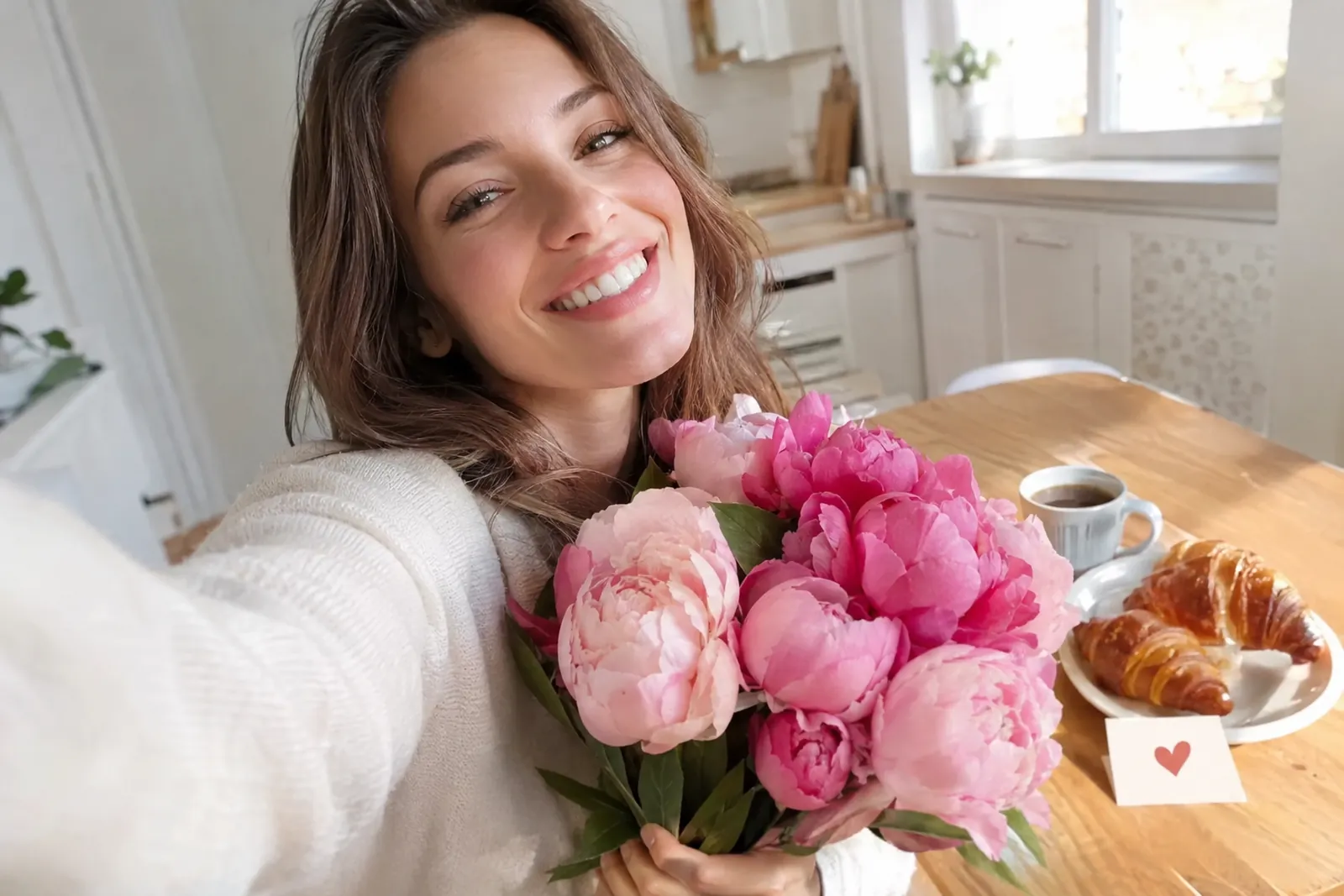
Maya and Leo's anniversary. Maya wanted something better than the usual "happy anniversary" message. She picked a video trend, added her selfie and posted the clip on the morning of their fifth anniversary. Leo replied in the comments with the story of their first date, and friends left reactions all day.
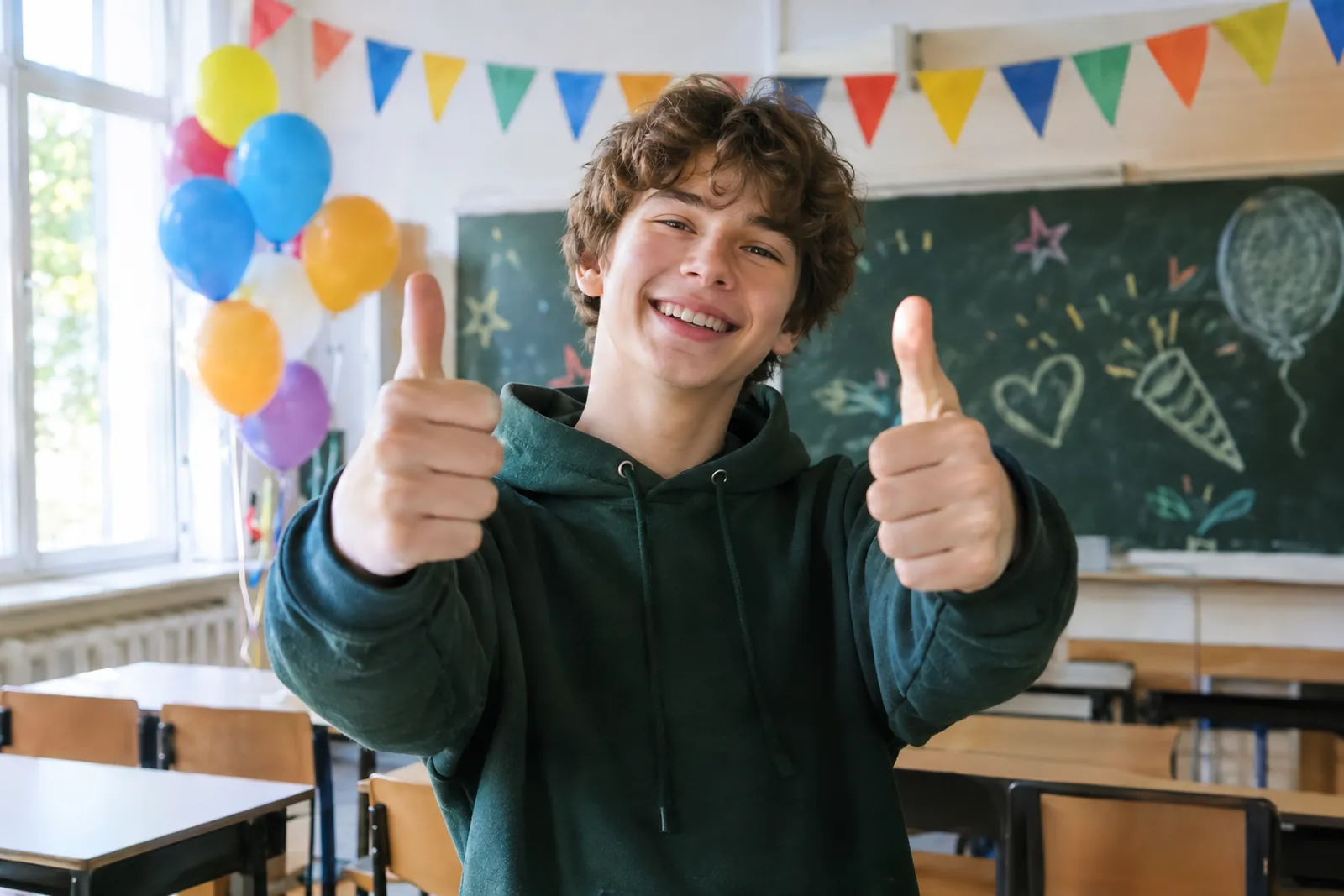
Ethan and the graduation party. Ethan, 18, volunteered to announce his class's graduation party. Instead of a plain flyer, he made a short clip of himself from a video trend and posted it to his stories. Classmates reacted, and three of them repeated the trend with their own selfies to spread the word.
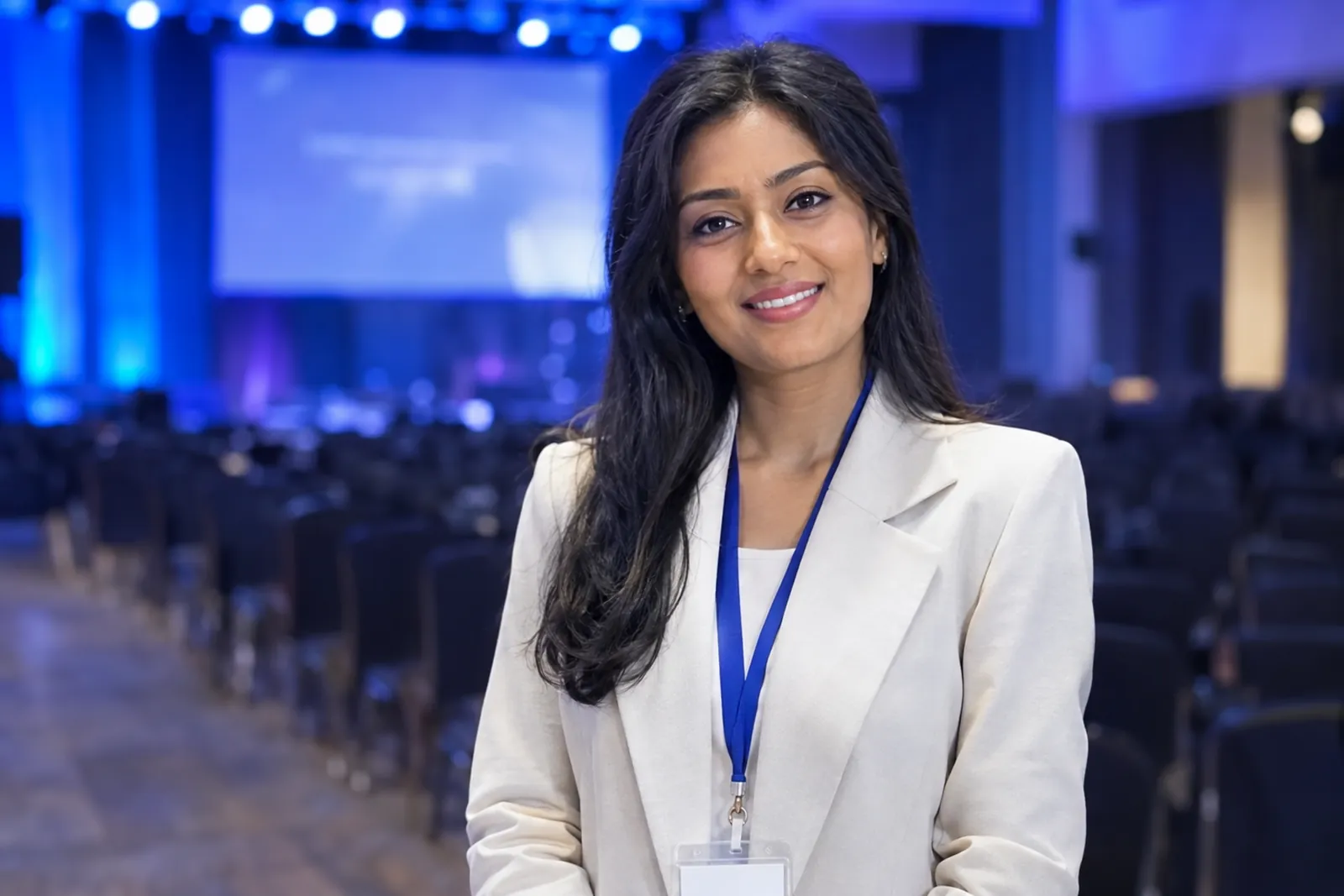
Priya before the conference. Priya, a translator, was about to speak at an industry conference and wanted her followers to know where to find her. She made a clip from a video trend for her stories the night before. Colleagues reacted, and one asked in the comments: "How did you do that?"
How it differs from a plain AI video generator
- Your clip lands among friends. It goes straight to your feed or stories, where people you know react and comment.
- Trends repeat in one tap. Friends who like your clip make their own version of the same trend with their selfie.
- Kolli is on hand. Our assistant Kolli: "Set up Kolli once. Then it runs on its own." There are short video lessons on AI too.
What you need to start
An email address and a selfie. You sign up with a code sent to your email, and everything runs in the browser on your phone or computer. New accounts get 50 welcome credits, so your first videos are free. The pricing page explains how credits work after that.
Image to video AI: common questions
Is there a free image to video AI here?
Yes, to start with: the 50 welcome credits you get at sign-up cover your first videos.
Can I turn any image into a video?
Yes, if it is a photo. In Animate photo, upload a picture and pick a motion. Video trends put your selfie into a ready-made scene.
Which AI model makes the video?
You don't need to choose one. The model is already set up inside each trend, so you only pick the storyline and add your selfie.
Do I need to install anything?
No. The AI Studio works in the browser on your phone and on your computer.
What can I do with the finished video?
Post it to your feed or stories, collect reactions and reply to comments. If friends like the storyline, they can repeat your trend in one tap.