 KollabiuM
Animate photo with AI: pick a trend, add a selfie
Your selfie goes into a ready-made video trend, and three steps later you are the one moving on screen.

How to animate a photo with AI in KollabiuM
A still picture can only say so much. Here, to animate a photo means to step into a video trend: the motion comes from the trend, the face comes from your selfie.
- Find a trend you like. Browse the video trends in the AI Studio catalog and pick a mood.
- Put yourself in it. Tap "Make it with me" and add the selfie you keep in "Me in the photo".
- Watch it, then share it. Your version can go to your feed or stories whenever you are ready.
Three everyday reasons to try it
Sam's clothes drive. Sam, a volunteer, was collecting warm clothes for a local shelter and needed people to notice. He made a short clip of himself from a video trend and posted it to his feed with the drop-off address. Neighbors reacted, and two friends repeated the trend to pass the message on.

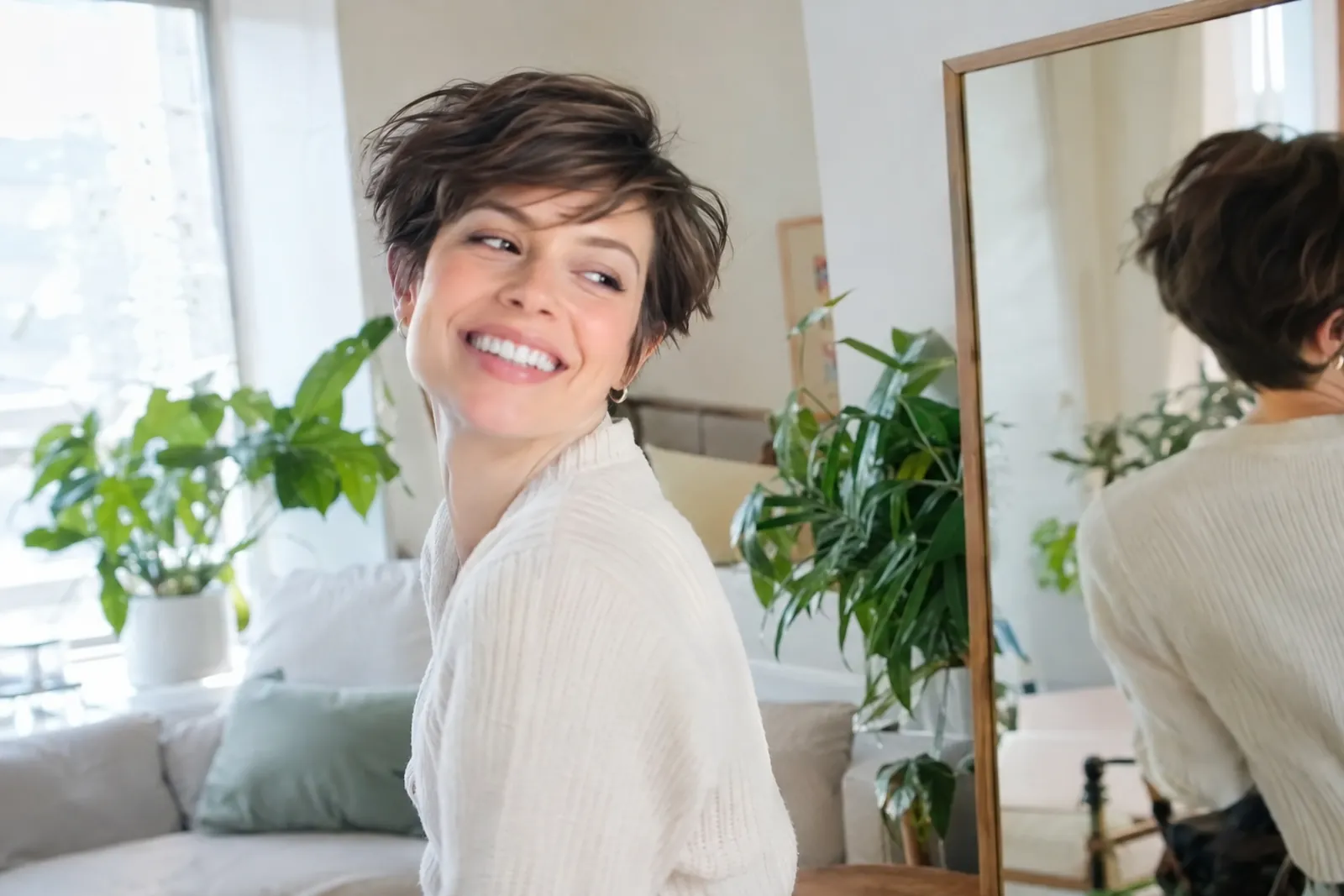
Mia's client after a big change. Mia, a hairdresser, gave a regular client a completely new cut. The client added a fresh selfie to "Me in the photo", made her own version of a video trend at home and posted it. Mia was among the first to react, and two other clients asked in the comments: "How did you do that?"
Tom's first tomatoes. Tom grew tomatoes on his balcony for the first time and wanted more than a still shot to celebrate. He picked a playful video trend, added his selfie and posted the clip to celebrate the harvest. The building's gardening friends reacted, and one repeated the trend the same evening.
More than a one-off AI generator
- Friends see it right away. Clips live in your feed and stories, with reactions and comments from people you actually know.
- One tap to join a trend. Anyone who likes your clip can make their own version with their own selfie.
- Help when you want it. Kolli, the assistant: "Set up Kolli once. Then it runs on its own." Plus short video lessons on AI.
Getting started
All it takes is an email and a selfie. A sign-in code arrives by email, and the studio opens in any browser on a phone or computer. When you sign up you get 50 welcome credits, which means your first animations are free. Details on credits are on the pricing page.
Animate photo AI: common questions
Can I animate a photo with AI for free?
Your first tries, yes: 50 welcome credits arrive with your new account.
How long is an animated clip?
Every video trend gives you a short clip. The exact length depends on the trend, and we don't promise a fixed number of seconds.
Can I animate an old family photo?
Yes. AI Studio has Animate photo: upload a picture, pick a motion and get a 5 or 10 second clip. You can restore and colourise an old photo first. Only upload photos you have the right to use, with consent from the people in them.
Is this an AI photo animator I have to download?
No download needed. It runs in the browser on your phone or computer.
Can my friends make their own version?
Yes. When they see your clip, they can repeat the trend in one tap and add their selfie.